
Delete a Beacon
To keep your Loyalty instance uncluttered, the best practice recommendation is to delete unneeded or test Beacons. The deletion process is permanent and irrevocable; you can’t later restore a deleted Beacon.
To delete a Beacon:
-
Select Admin from the top navigation bar, then select Locations > Beacons from the side navigation menu. The Beacons screen is displayed.
-
Optionally, in the Search field, enter the desired text string.
-
Click the Search icon. The screen is refreshed to show only the Beacons that meet your search criteria. If you entered multiple search criteria, the Beacon must meet ALL criteria.
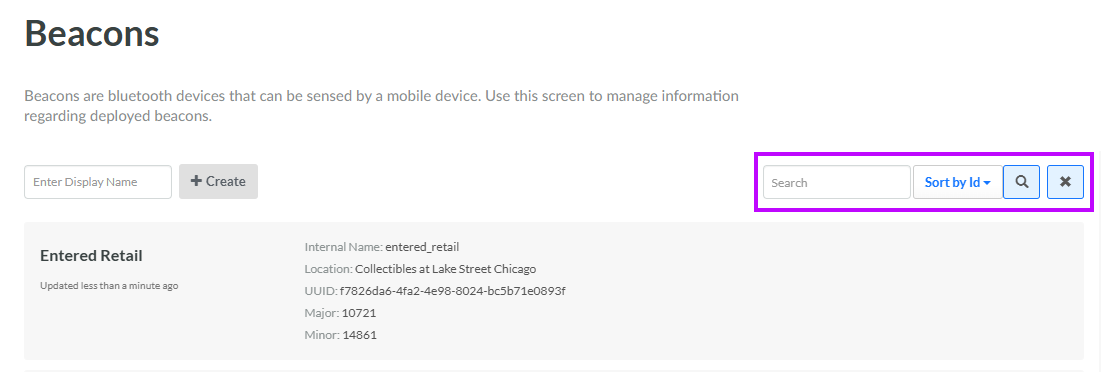
-
To sort the search results, select the desired sort order from the Sort By drop-down menu. The default sort order is by: Beacon ID.
-
Click the desired Beacon. The Edit Beacon pop-up window is displayed.
-
Click Delete. A confirmation dialog box is displayed; click Confirm.
